How to Read an Electricity Meter and Monitor Energy Use
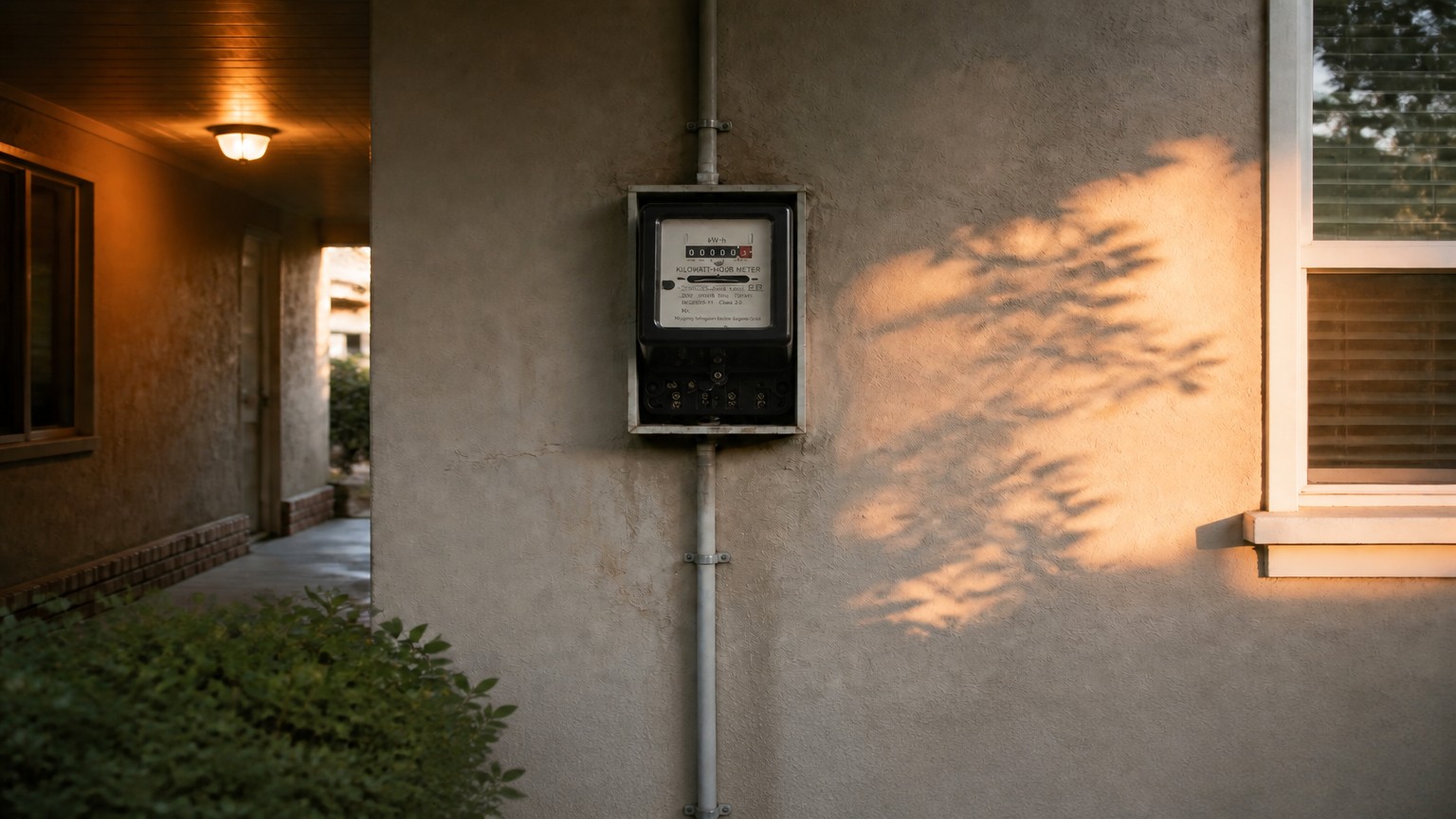
Reading your electric meter and understanding your electricity bill are practical skills that take minutes to learn and can save you significant money. Electricity consumption is measured in kilowatt-hours (kWh), and every meter — electromechanical, digital, or smart — tells you the same story if you know where to look. This guide explains how to read an electricity meter, how to calculate your usage, and how to use that information to monitor energy use in your home or business.
How to read an electricity meter: the basics
The first rule is to read the digits from left to right, exactly as they appear. Ignore any numbers in red frames, red digits, or digits after a decimal point — those show fractions of a unit and are not used for billing. Write down the whole numbers only.
To calculate consumption for a period, subtract the previous reading from the current one. For example, if last month’s reading was 12,450 kWh and today’s is 12,810 kWh, you used 360 kWh in that period.
Reading a digital electricity meter
A digital meter shows the reading on an LCD display. Some models cycle through several screens — total kWh, voltage, current, power, and tariff registers. Wait until the screen showing total energy (usually labelled kWh or IMP) appears before noting the value.
If your meter has multiple tariffs (day/night or peak/off-peak), each tariff register must be read separately and billed at its own rate.
Reading a smart meter
Smart meters usually display the reading automatically or through a companion app, and they send data to the utility remotely. If you need a manual reading, the total kWh register is normally shown first. Smart meters also allow you to monitor energy use in near real time, which is one of their biggest advantages.
How to monitor energy use and find waste
- Take readings at the same time each day or week to build a usage pattern.
- Compare overnight baseline usage — a high baseline means devices are running when they should not.
- Turn off one appliance at a time and watch the meter to identify heavy consumers.
- Use an energy meter with RS485 or wireless communication to track consumption automatically.
- Check peak and off-peak registers if you are on a time-of-use tariff.
Common mistakes when reading meters
- Including decimal digits or red-framed numbers in the reading.
- Copying the wrong register on multi-tariff meters.
- Misreading the multiplier when a meter is used with a current transformer.
- Forgetting to subtract the previous reading before comparing bills.
FAQ
Which numbers do I read on an electricity meter?
Read all digits from left to right, ignoring red-framed or decimal digits. Those are fractions of a kWh and are not billed.
How do I calculate my electricity consumption?
Subtract the previous reading from the current reading. The difference is your consumption in kWh for that period.
Do smart meters need manual reading?
No. Smart meters send readings automatically, but most still allow a manual read if you need one.
Final Thoughts
Knowing how to read an electricity meter puts you in control of your bill. Whether you use a basic kWh meter or a smart meter with app monitoring, regular reading and comparison is the simplest way to monitor energy use and cut waste. Yomin Electric’s energy meter range covers single-phase, three-phase, and smart meters for every installation.
Need Help Choosing the Right Product?
Our engineers can recommend the exact model, rating and configuration for your project. Tell us your requirements and get a factory-direct quote within 24 hours.